
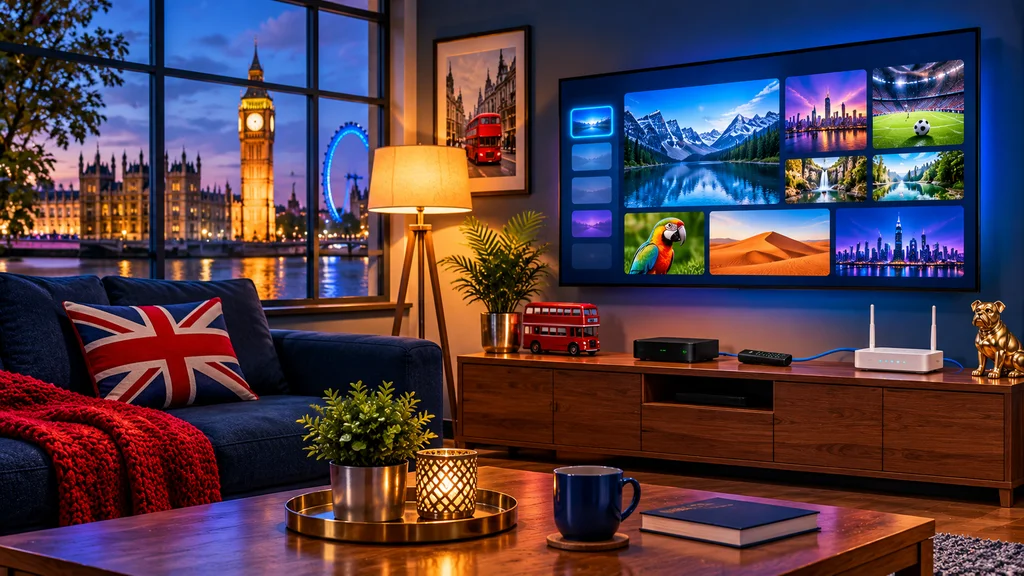
An IPTV set-top box is a small device that plugs into your TV and plays IPTV over your broadband. You do not need a dish, an aerial or an engineer – just the box, your internet and a login. Here is how the main types differ, in plain English.
What Does an IPTV Box Actually Do?
The box connects to your router and your TV. You install an IPTV player app (or use the built-in portal), enter the login from your provider and your channels, TV guide and on-demand library appear on screen. New to the idea? See what is IPTV.
The Main Types of IPTV Box
| Type | Good to know |
|---|---|
| Android TV / Google TV box | Flexible, runs many apps and is the most popular choice – see Android TV box IPTV setup |
| MAG box | Purpose-built for IPTV, simple portal login – see our MAG box setup guide |
| Streaming stick | Small, cheap and plugs into the TV’s HDMI port – see Firestick setup |
| Apple TV | Smooth and polished, higher price – see IPTV on Apple TV |
| Nvidia Shield | Powerful, great for 4K – see IPTV on Nvidia Shield |
Which One Should You Choose?
- Want the easiest setup? A MAG box or a streaming stick.
- Want the most flexibility? An Android TV or Google TV box.
- Want the best picture? A 4K-capable box – see 4K IPTV in the UK.
- On a budget? A streaming stick – see cheap IPTV UK.
For a full comparison, read our best IPTV box UK guide.
Try UK Pro TV free for 24 hours
32,000+ live channels and 200,000+ films and series on your own devices. No card, no contract, no auto-renewal.
What to Check Before You Buy a Box
- Does it support your login type? Most use Xtream Codes or an M3U link – see our Xtream Codes vs M3U guide.
- Does it connect by cable? An Ethernet port is more reliable than Wi-Fi – see our Wi-Fi and router guide.
- Does it do 4K and HDR if your TV does?
- Does your TV have a free HDMI port? Old TV? See IPTV on an old TV.
- Is it from a reputable seller with returns and support?
Do You Even Need a Box?
Not always. Many Smart TVs run an IPTV app directly – see IPTV on Samsung and LG – and phones, tablets and computers work too. A box simply gives you a faster, more reliable app.
Setting It Up
Plug in the box, connect to your router, install a player (see best IPTV apps for UK viewers) and enter your login. Our setup guides cover each device step by step.
Test Before You Commit
Start a free 24-hour UK Pro TV trial – no card needed – and try it on the box you already own or are thinking of buying. Questions? Message us on WhatsApp or by email.
Leave a Reply